 Overview
VirtualShield uses a sophisticated  Very Early Warning System to monitor
  private and public databases for signs of early identity theft and ID theft risk. After adding you and your family’s information, you can safely shop online and use social media knowing your identity is fully secure against breaches.
In the event that your information appears compromised, we will immediately alert you on your Account Dashboard and via SMS/text message along with instructions on how to protect yourself. If identity theft does happen, our Identity Restoration Team will handle the entire recovery process for you.
In this article
How does it work?
By adding your Postal address we can monitor it for change of address requests. We help catch unauthorized changes to your current or past addresses by monitoring the National Change of Address (NCOA) database and U.S. postal records. If a change occurs, we alert you the moment it happens.
This happens when someone requests a change of address with the United States Postal Service (USPS). It can be dangerous because if successful, your important mail can be re-routed to a different address. Just imagine if your bank or mortgage statements got into the wrong hands.
We scan county records  nationwide looking for changes to your property’s title records. We alert you immediately if we detect a change in ownership, a
  notice of default, evidence of refinancing, or other activity. It replaces traditional one-time background checks with continuous digital tracking.

We can monitor up to 10 addresses at the same time to protect your entire household against identity theft, in addition to your own.
Adding your USPS Address
These details will be added automatically during activation. However, the  more information you provide the better we can protect you. Follow these steps to add additional addresses to your account.
How to add your U.S. Postal address:
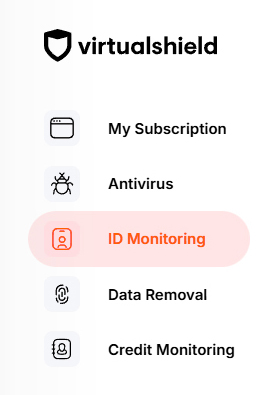
Start by visiting your Account Dashboard. Select ID Monitoring from the navigation menu, or use the link below:
If you do not have a
Press the Setup button to activate your protection, if you have not done so already.
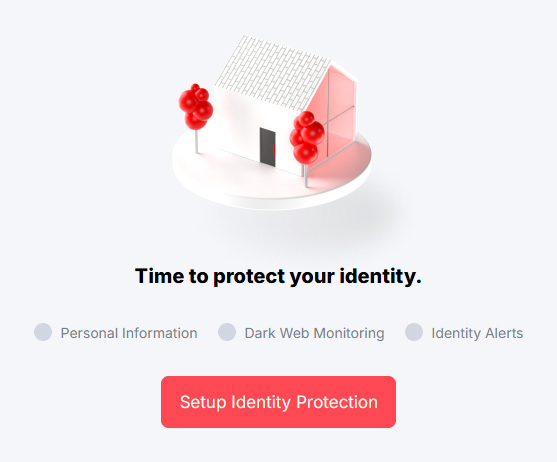
For more help verifying your identity and activating Identity Protection, see our support article.
Select the Monitored Information tab near the top of the page.

Alternatively, you can press the Review or Update button on the
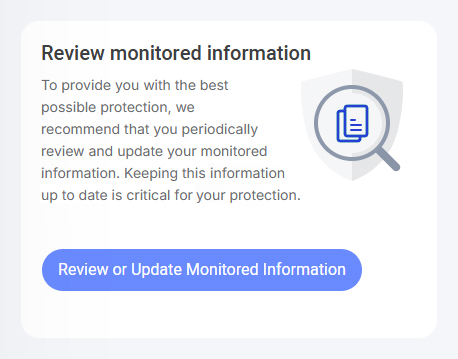
Below Addresses, choose Add address.
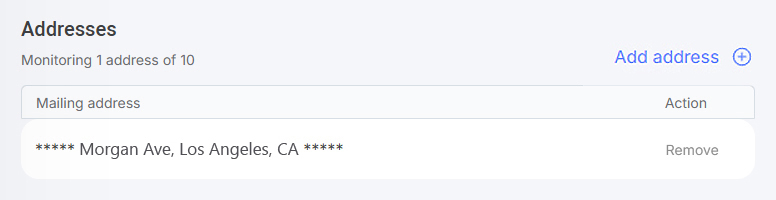
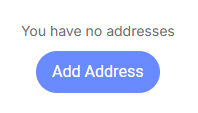
If there is no address on file you will be unprotected. We must have at least one SSN number and Postal address on file in order to protect you.
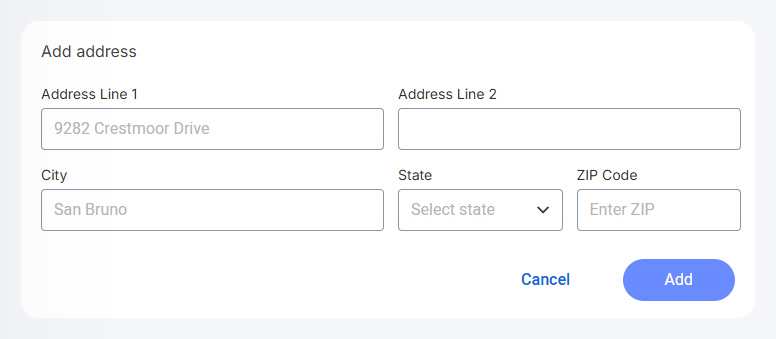
Enter your U.S. Postal address into the field(s) provided, then press Add.
That’s it! You will be notified on your
Removing your USPS Address
If you’ve reached the  maximum limit for your account, you can follow the
  same exact steps to remove a Postal address you added previously. Just be aware it will
  no longer be monitored by our system.
How to remove your U.S. Postal address:
Start by visiting your Account Dashboard. Select ID Monitoring from the navigation menu, or use the link below:
If you do not have a
Press the Setup button to activate your protection, if you have not done so already.
For more help verifying your identity and activating Identity Protection, see our support article.
Select the Monitored Information tab near the top of the page.
Alternatively, you can press the Review or Update button on the
Below Addresses, choose Remove next to the address you would like to remove.
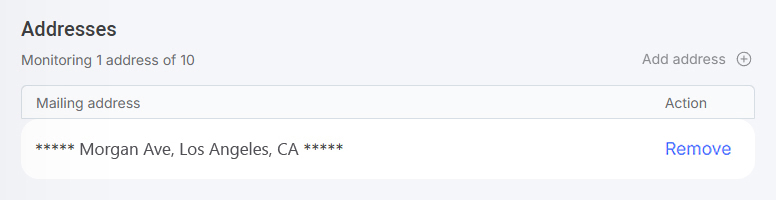
This action can not be undone. We must have at least one SSN number and Postal address on file in order to protect you. Everything else is optional.
Common Questions
Do I need to download an app?
No, there’sinstall any software to utilize this service.
Can I remove my family’s information?
Absolutely! We can monitor up to 20 bank accounts, 10 credit cards, 10 email addresses, 10 phone numbers, 3 SSN numbers, and more. You can monitor your relatives’ identity on your
Will I receive an alert if I’ve been breached?
Find your alerts by visiting your